Building a Document Writing Tool for the DoD
Summary
This was my largest project at Northrop Grumman, where I served as the sole product designer and frontend developer for a web application supporting a federal defense client.
The application enabled teams in a highly regulated environment to create and edit budgeting documents through complex, mission-critical workflows.
Company
Northrop Grumman
Role
Product Designer
Frontend Developer
Timeline
May 2025 - Present

This project is under NDA ✦
Due to NDA restrictions, work is anonymized and visuals are reconstructed. Details have been generalized to protect proprietary information.
Background
A federal defense client relies on a legacy application to manage the budgeting document lifecycle, including review, commenting, versioning, and approval. However, the actual document creation and editing happens manually, offline, across separate tools:
- Complete document templates in Microsoft Word
- Generate supporting graphics from Excel spreadsheets
- Upload the finished document into the legacy application for review and approval
Any requested revisions required downloading the document, editing it offline, and uploading a new version, creating a slow and difficult-to-manage process.
Problem
Users relied on fragmented offline workflows across Word, Excel, and a legacy application to create and maintain mission-critical government documents.

This process was:
- Time-consuming and error-prone, requiring significant manual effort to create and update documents
- Difficult to maintain, with limited visibility into document versions and changes
- Disconnected from modern workflows, requiring users to work outside the system through manual tools designed around static document outputs
As a result, users experienced longer completion times, increased cognitive load, and unnecessary friction throughout the document lifecycle.
Goal
Design and build a new application that brings document writing into a modern digital system.
Approval continues to run through the existing legacy application for now: the new application exports Word documents which integrate into the existing process. Bringing approval flows into the new platform is the next phase of this program and is outside the scope of this case study.
Scope
- Team: 1 designer/frontend developer, 2 backend engineers, and 1 project manager
- My Role: Led UX strategy, interaction design, and frontend implementation independently
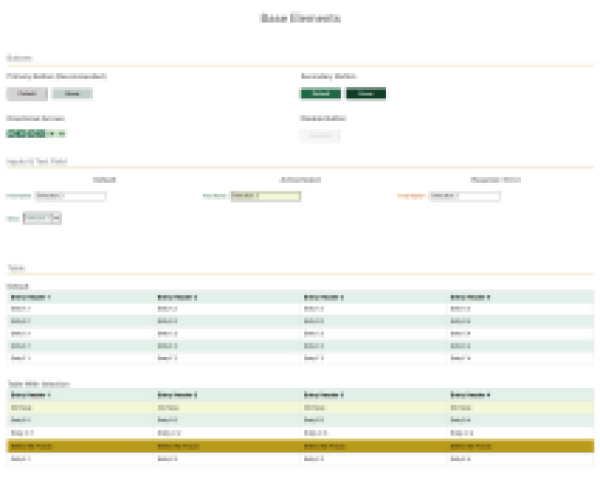
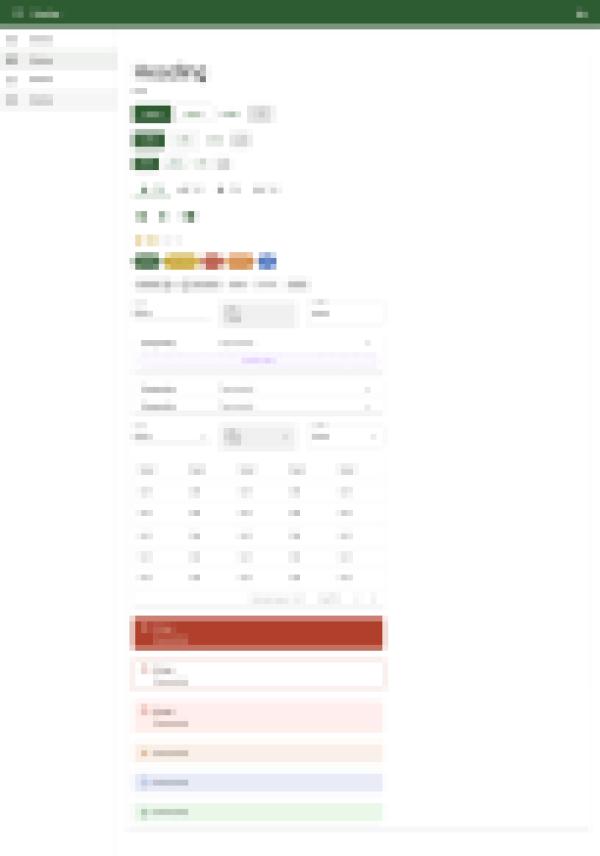
- Platform: Figma, Oracle APEX
- Users: Internal government teams
- Environment: High-security enterprise application
Constraints
This project operated under:
- Limited direct access to end users due to restricted application environments
- Evolving requirements across multiple stakeholder groups, requiring iterative alignment and prioritization
- Strict security requirements that influenced feature availability, environment access, and multi-stage release processes
- Technical and design constraints imposed by the required development platform
Discovery
The client's initial request was to digitize existing document templates, but we first needed to understand how document writing fit into the broader budgeting workflow before designing an effective solution.
Understanding the Existing Flow
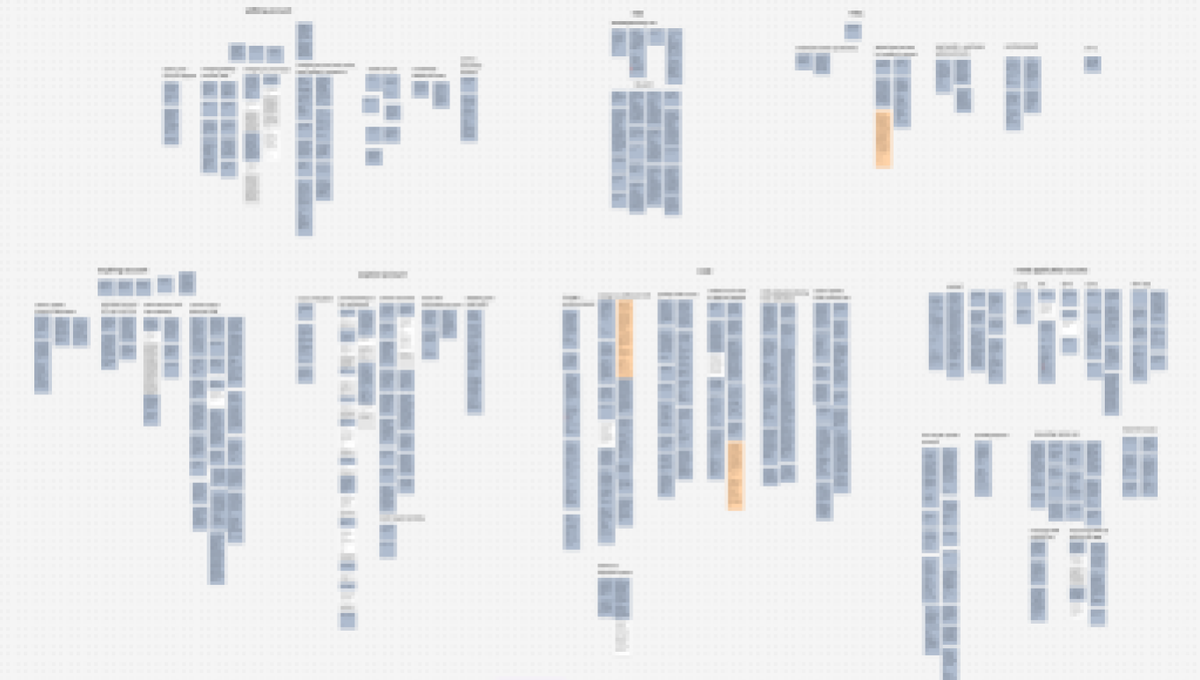
Because direct access to end users was limited, I reconstructed the end-to-end document writing flow by analyzing existing artifacts, evaluating the legacy application, and synthesizing stakeholder knowledge.
- Reviewed document templates, flow diagrams, and user documentation
- Conducted a heuristic evaluation of the legacy application and supporting tools
- Synthesized stakeholder interviews and written requirements

Key Insights
1. Templates followed rigid, reusable patterns
Although documents appeared to be large Word files, they were built from repeated content and shared structures, revealing opportunities for modular document writing instead of static templates.
2. Classification management was highly error-prone
Every question, section, and document carried its own security classification, and maintaining those classifications manually throughout the document was both repetitive and error-prone. Stakeholder conversations revealed that classification inconsistencies were a common source of revisions during the approval process.
3. Document creation was executed across multiple tools
Creating a single document required switching between Word templates, Excel spreadsheets, internal portals, and reference materials, creating unnecessary cognitive load and manual effort.
4. Collaboration lacked transparency
Documents were collaborative artifacts that passed through multiple authors, reviewers, and approval stages. The existing process provided little visibility into ownership, edit history, or document status, making it difficult to coordinate changes and maintain accountability.
5. Modernization had to coexist with legacy processes
The legacy application was deeply embedded in existing approval systems and could not be replaced overnight. Users still needed to move documents through established review processes, even as the experience was being modernized.
Design Decisions
The redesign focused on shifting users from a file-based workflow to a systemized, collaborative document platform. Beyond replicating legacy processes digitally, I identified opportunities to reduce manual effort, improve traceability, and create a foundation for future automation.
1. Modular Document Architecture
Insight
Documents shared repeated structures despite existing as Word files.
Solution
I replaced static templates with document editing designed around distinct, reusable sections. This reduced duplication, automated formatting, and allowed different document types to build off each other.
Exploration One

Exploration Two

Exploration Three

My first instinct was to use a top navigation with a progress indicator. As document types grew to more than a dozen sections, the layout became difficult to scale, and completion was impossible to calculate reliably because many fields were optional.
I explored moving navigation into a persistent sidebar and making the table of contents editable. However, since the system now generated the document structure automatically, the table of contents became redundant and section deletion could be relocated into each section page instead.
The sidebar evolved into in-document navigation with lightweight progress tracking. However, stakeholder feedback confirmed that the document structure could remain fixed. The final design removed progress tracking and section deletion, keeping navigation focused on moving through required content.
Final Design

Shared components and reusable document patterns allow different document types to share the same editing experience. Content is organized into tabular sections, while a shared header maintains document context across every page.
AI-Assistance
Additionally, stakeholders identified AI assistance as an opportunity to reduce writing effort.
The initial version was designed as a chat interface available anywhere in the application, capable of grammar checks, summarization, open-ended questions, and content suggestions based on the user's current context.
However, internal testing after implementation showed open-ended responses could produce non-compliant content. We rolled the feature back, narrowing it to grammar and summarization assistance to preserve its usefulness while meeting security requirements.

2. Automated Classification Management
Insight
Security classifications were maintained manually across many document sections and revisions, creating frequent inconsistencies.
Solution
The system calculates page and document classifications from the highest classified field, eliminating repetitive updates and preventing compliance errors.
This feature required the most stakeholder discussion, as there were many nuances to how different sections and classifications interacted. Given the compliance stakes, we treated automated classification as a strong default rather than a fully autonomous decision.

3. Centralized Document Workspace
Insight
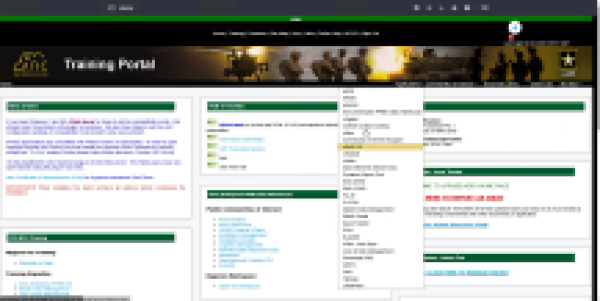
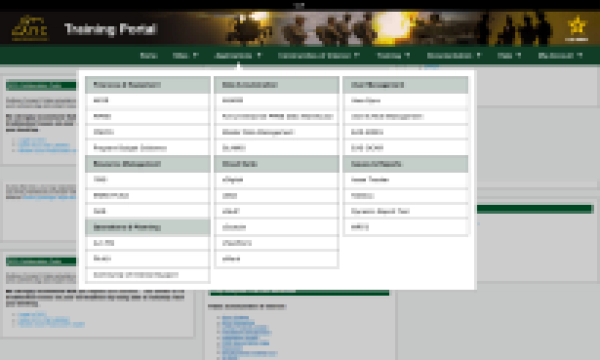
The legacy application organized documents through several dozen dashboards and views, and users had to download supporting files locally to view or edit a document's complete context.
Solution
I consolidated search, management, and creation into a single dashboard that surfaces document ownership, status, metadata, and filtering before entering editing.


4. Document Collaboration
Insight
Multiple contributors worked on the same documents, but ownership, edit history, and version control were difficult to track, making collaboration error-prone.
Solution
Documents progress through explicit ownership states. Check-in/check-out prevents conflicting edits, while document- and page-level history provide complete traceability throughout the editing process.
Check-in

Check-out

Check-in/check-out prevents conflicting edits by enforcing distinct view and edit states.
Document History

Page History

Document history tracks ownership and major actions
Page history provides field-level change tracking
5. Designing for Incremental Adoption
Insight
Any new solution needed to remain compatible with existing approval workflows until a complete migration could be implemented.
Solution
The new editor integrated with the existing approval process by exporting compatible Word documents, allowing teams to adopt improved writing without disrupting downstream operations.


The new workflow simplifies document creation and editing while Word export preserves compatibility with the existing approval process.
Final Product
The final product transformed a fragmented, file-based process into an enterprise application that improved document discovery and writing while remaining compatible with the existing approval system.
Discover

Create

Edit


Classify


Collaborate

Finalize


Export

Conclusion
I presented the completed application to clients and stakeholders, who approved it for a pilot with document authors ahead of a planned rollout to the client's 400-person user base.
Rather than recreating Word inside a web application, I identified the workflow underneath the documents and designed around it, creating a foundation for the next phases of this project.
Outcome
- Approved for pilot deployment to the client's 400-person user base after stakeholder validation.
- Consolidated a multi-tool, multi-day document writing process into a single application.
- Eliminated manual classification tracking across dozens of fields and pages.
- Established reusable interaction patterns and content architecture later adapted for another internal AI initiative.
- Secured approval for continued modernization of the broader legacy system.
Lessons Learned
- Prioritize direct user validation earlier despite limited access to strengthen confidence in design decisions.
- Evaluate Oracle APEX's native component capabilities before finalizing the design system to reduce unnecessary customization.
- Define MVP scope and feature prioritization with stakeholders earlier to better manage expanding requirements.
- Involve security stakeholders earlier in the design process so compliance considerations inform solutions before implementation.
Through this project, I learned that impactful enterprise UX extends beyond interface design. It requires understanding the systems, constraints, and organizational processes that shape the user experience.
My dual role as designer and developer allowed me to rapidly validate ideas and bridge the gap between user needs, technical constraints, and organizational goals, creating clarity within a complex system.
Next Project